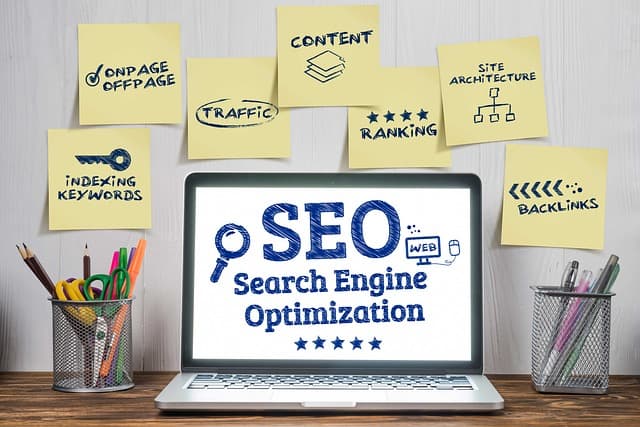
This guide is based on my ten years of experience in SEO promotion for online stores. It includes the most effective methods for optimizing websites. When completing the tasks, it is extremely important to follow the suggested sequence; some tasks can be performed simultaneously.
Technical audit of the website
For the successful promotion of an online store in search engines, it is necessary to ensure its technical condition so that Google can bring the target URLs to the top of the search results as quickly as possible. If technical errors on the website are not identified and eliminated, the promotion process can be significantly delayed, which will increase the payback period for investments in SEO.
This article will focus on the problem of indexing and ways to solve it, as for most online stores this is one of the strongest growth points, both at the start of promotion and throughout many years of development.
Setting up correct website indexing
Before performing page optimization work, you need to make sure that search engines can find them on the site, scan them, and index them (add them to their database). If you do not perform this check and correct the identified errors, there is a high risk of wasting a lot of time and money — Google simply will not know about the results of subsequent optimization.
Very often, search engines pick up a lot of junk URLs from online stores, which interfere with the promotion of the main ones. It is important to identify the scenarios in which they are generated and adjust the settings of the engine and plugins of the site to eliminate the possibility of their appearance.
The final stage is to compare the URLs on the site that should be included in Google with those that are actually included, remove junk URLs from the search index, and add target URLs.
Internal linking
In order for search robots to learn about all the pages on the site, you need to set up internal linking so that the parent pages have links to the child pages and vice versa.
Links in the main menu to parent categories
First, you need to specify links to the key sections of the site — parent categories — in the menu. Usually, this is not a problem — in all popular engines, links to them are automatically displayed in the main menu. But there are some nuances.
The menu can be generated in two ways:
- Statically — the server sends the browser links to the menu along with the main HTML code;
- Dynamically — the server sends the browser the main HTML code, which does not contain menu links; they are only loaded there when a specific action is performed — when a site visitor clicks or hovers over a menu section.
Ajax dynamic information loading technology is implemented in the JavaScript programming language (abbreviated as js). Search engines can render js and load additional data into html code. However, in practice, they do not do this often, and even if they do, they may not load all the data.
Another important aspect is the depth of subcategories that can be safely displayed in the main menu.
For new sites that lack such features, text factors remain the only reliable source. Among them, the uniqueness of the content within the site itself (not compared to other resources) plays an important role at the initial stage. For Google, it is critically important that pages differ significantly from each other; otherwise, problematic URLs will not be indexed, and you cannot expect traffic and sales.
As a rule, an online store category includes about 30 products. Specialized categories may contain only 5-10 products. If the menu includes 3 levels of subcategories and, for example, 200 links, the volume of unique content will be less than 5%.
Therefore, for new sites, it is more expedient to include only links to first-level categories in the main menu.
Links in categories to subcategories
In order for Google robots to learn about the existence of subcategories (especially in the case of a new site, when only links to parent categories are displayed in the main menu), it is necessary to specify links to relevant subcategories.
Links to SEO filter selections
The SEO filter allows you to create separate landing pages in categories with selections of products based on specific properties and characteristics—brand, color, size, volume, length, width, etc.
In order for the search engine to recognize the existence of such pages, it is necessary to place links on them.
When creating pages using the SEO filter, it is important to remember that
The page being created has search demand. If there is no demand, the search engine will waste its crawling budget and will not scan valuable URLs.
The listing will have at least 2 products in stock. Otherwise, such a listing will be an implicit duplicate of the product card, while losing out to it in terms of the quality and volume of unique content — neither page will rank highly because of this.